01
Capture
Open the app and capture a photo or video. InReality signs the content, and also allows you to make edits. All secured from the moment you capture.
Familiar camera. Security switched on.

In a world filled with deepfakes, make your real content stand out.
Original verified
Proof ready to share
A short film on what the InReality Mobile App does: capture a moment, edit it as you always would, share it anywhere, and let anyone check it is real.
Open the app and capture a photo or video. InReality signs the content, and also allows you to make edits. All secured from the moment you capture.
Familiar camera. Security switched on.
Send the original through the channels you already use. The signature stays intact, wherever the content goes.
Your content. Authenticated and ready for sharing.
After seeing the content online, click the verification link to see the full origin and verification information. No guessing whether the content looks fake.
Trust and transparency from the source.
Click through the InReality Mobile App, step by step.
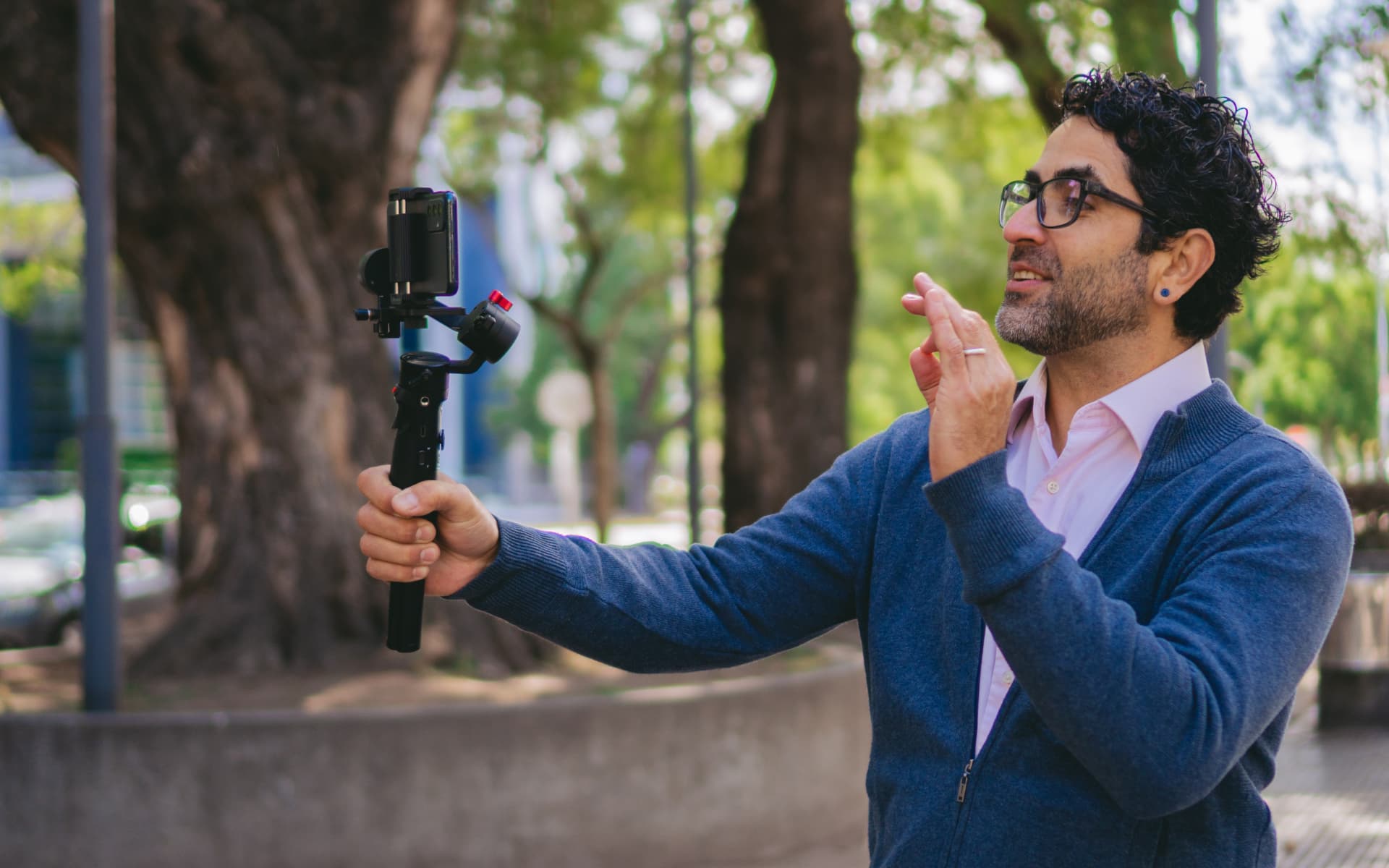
Capture and report photos and video that editors and audiences can check is real. Each file carries where and when it was captured, together with a record of any edits.
Key benefits
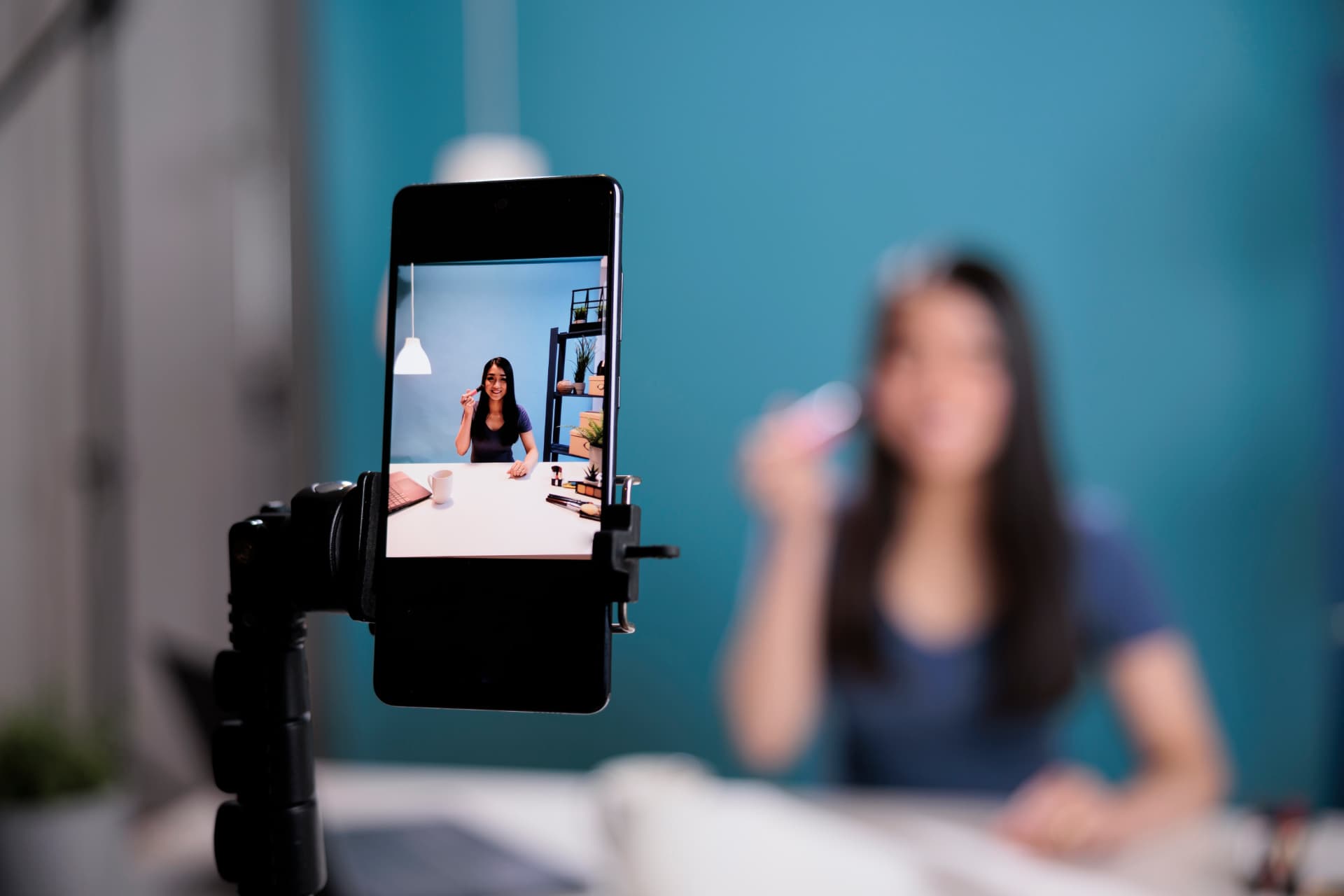
Publish work you can stand behind. Crop the frame, tune the colour and fix the white balance as you always would, with every change kept in the record. Prove it is human-made and authentic.
Key benefits
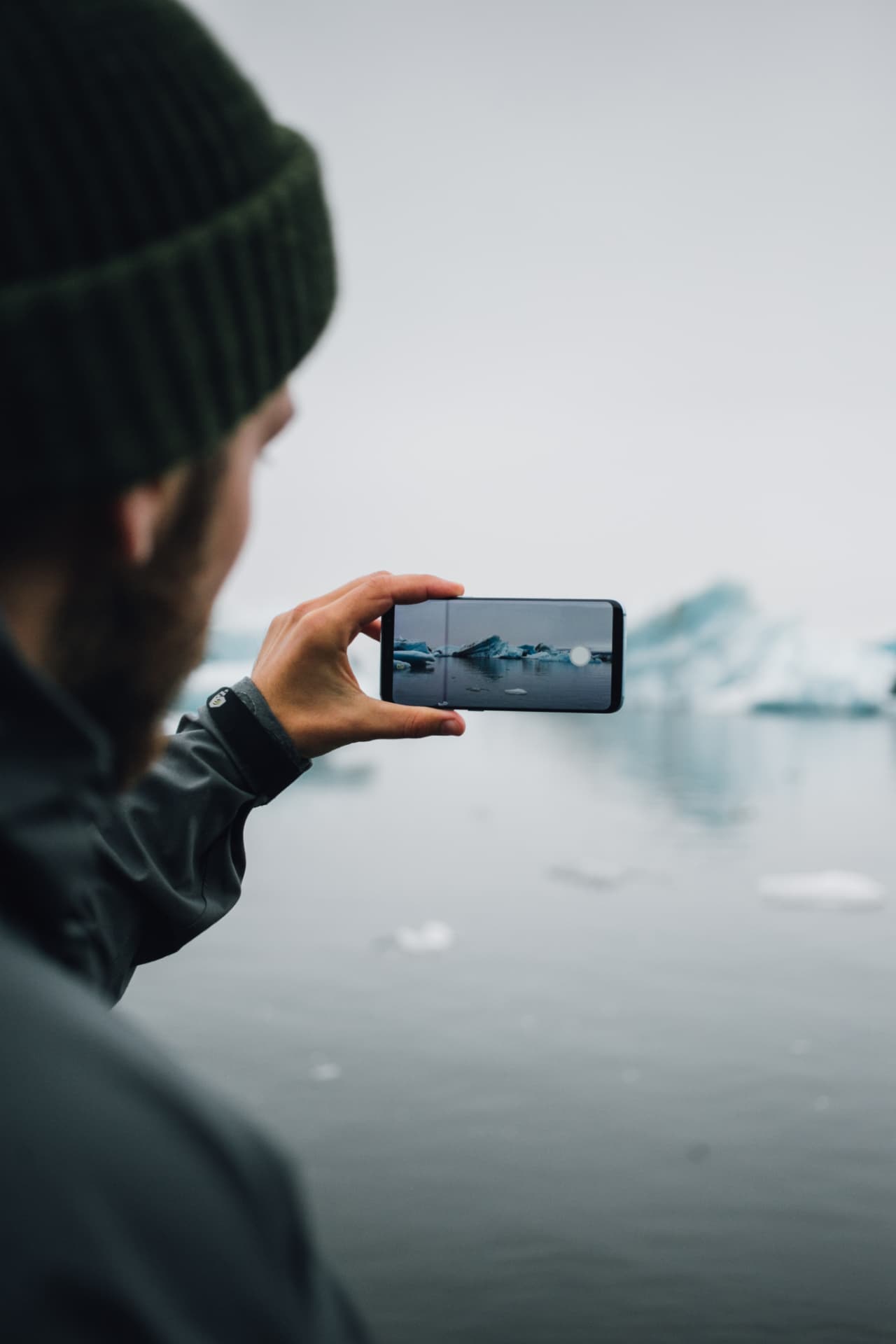
Capture a moment, share it through the channels you already use, and give anyone a way to check it for themselves.
Key benefits
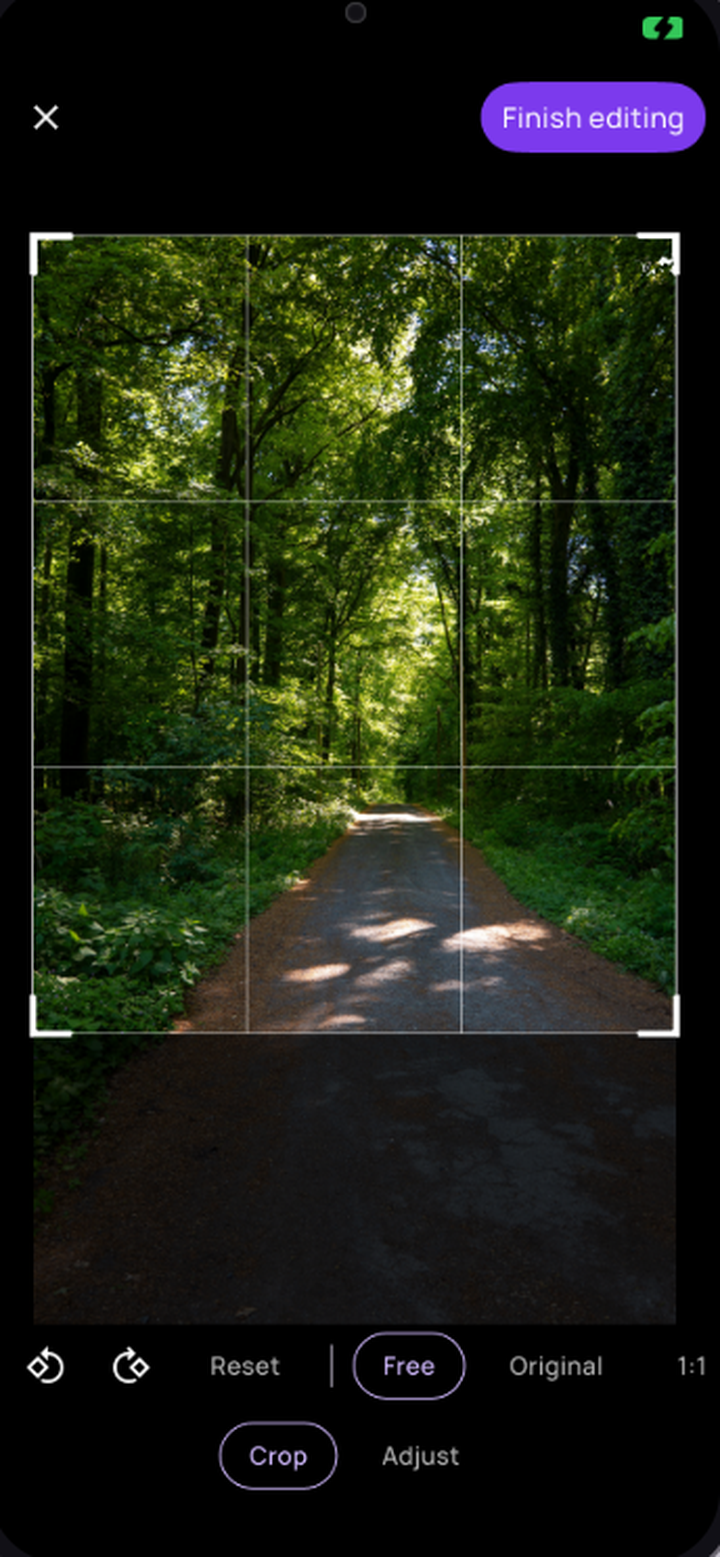
Inside the app, a full editing suite lets you make the adjustments you always would, crop the frame, tune the colour and fix the white balance.
Every change is recorded as part of the content verification record, so what you share remains provably authentic.
When you share through InReality, the authentication travels with the content. Anyone who sees it, on any channel, can open the link and check the proof for themselves. No account, no app, no special tools needed.
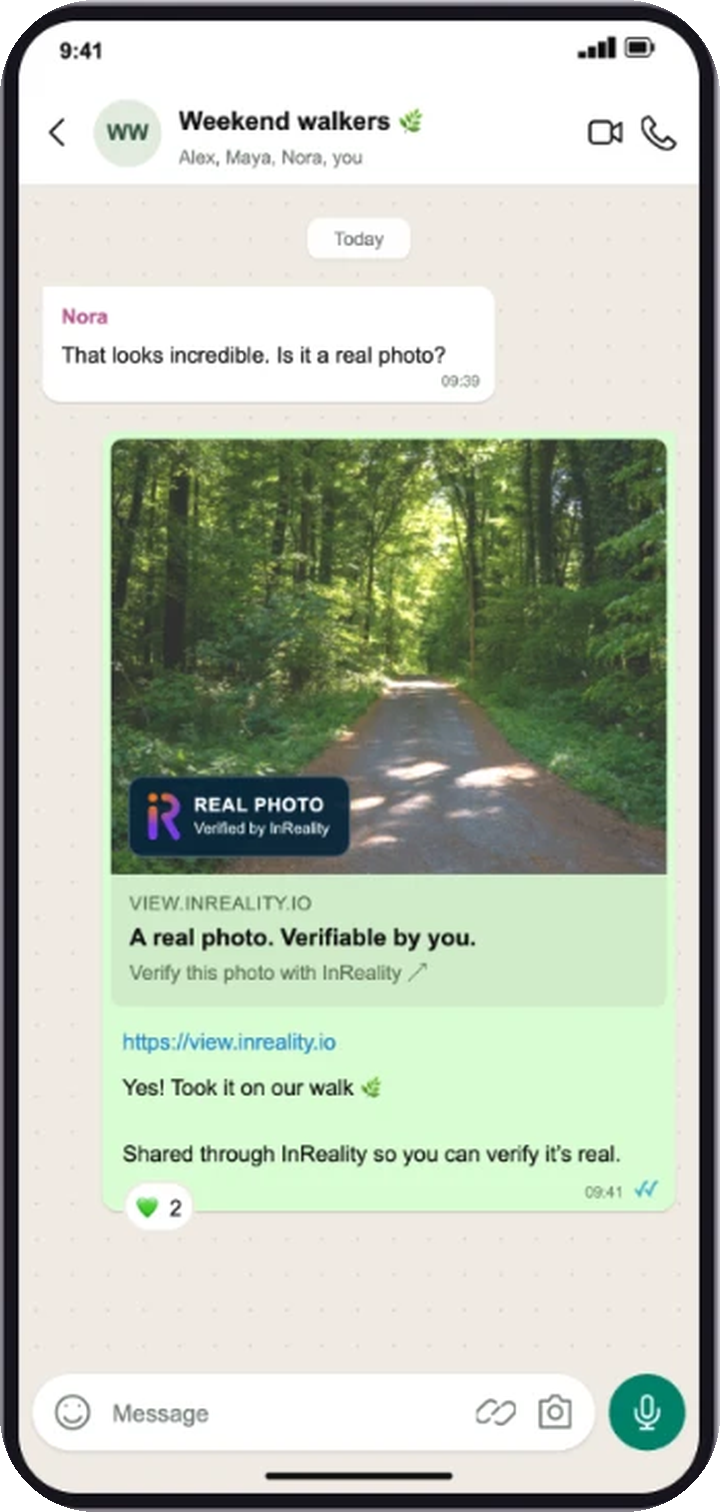
Illustrative examples. The same verification link works wherever the content is shared: social feeds, messages, email or embedded on a website.
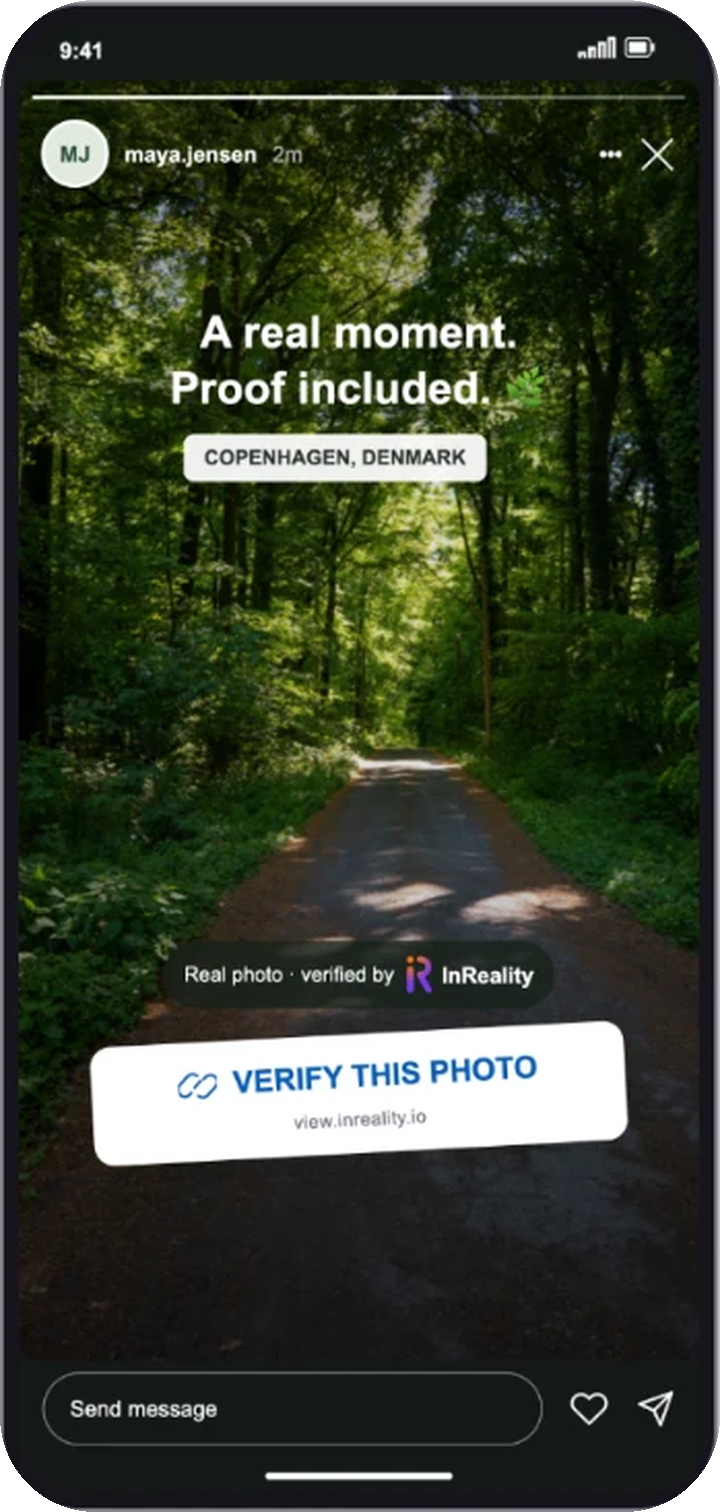
In a story
The story carries a Verified by InReality badge and a link anyone can open to see the proof.
In the group chat
“Is it a real photo?” is answered by the content itself, not by taking someone’s word for it.
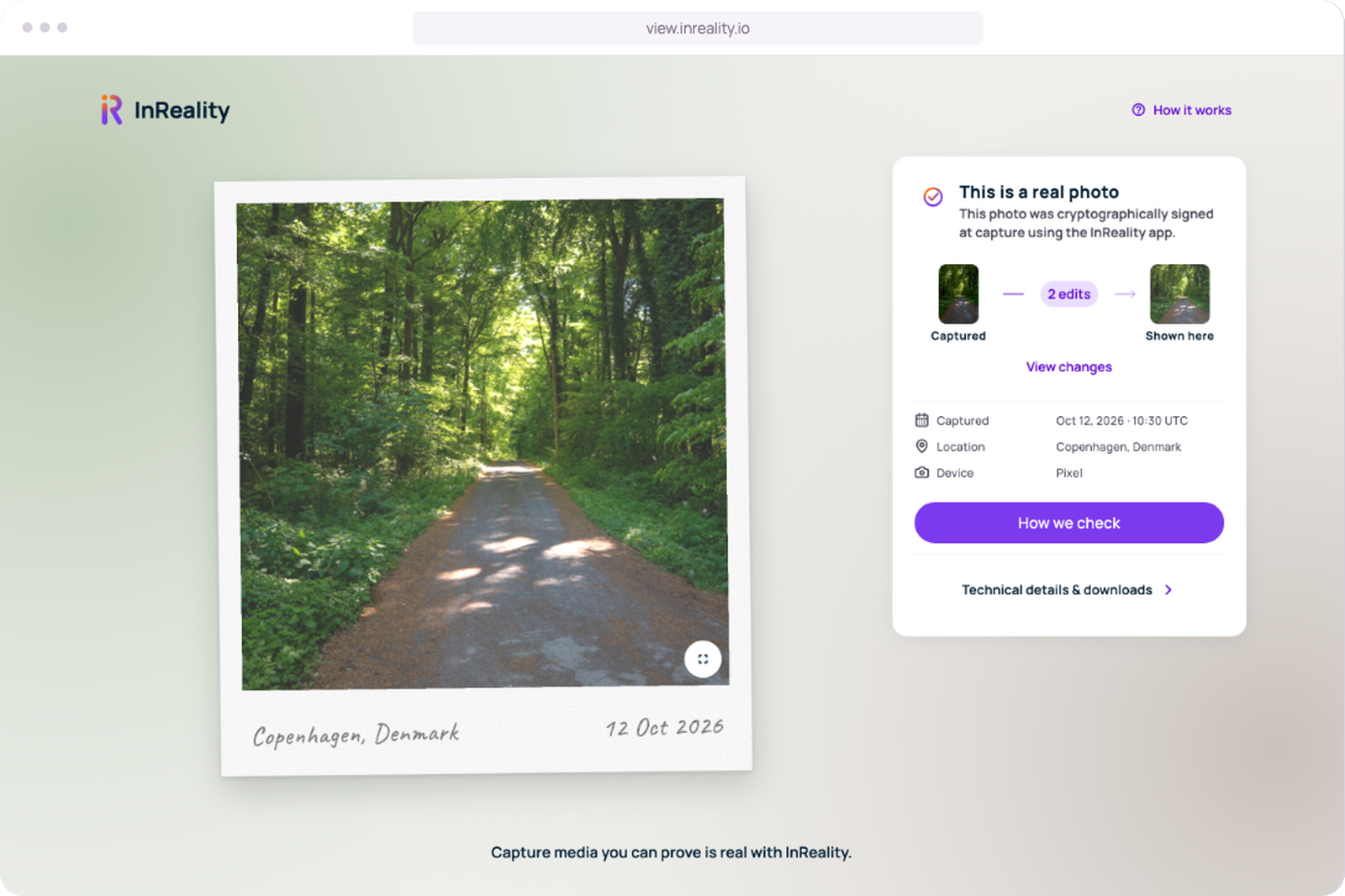
Seeing the content on social media and want to check its authenticity? That's exactly what we provide.
We provide a content verification record for each piece of content captured. Where it was captured, time taken and who captured it are all featured in the record, together with a full history of any edits made.
Trust and transparency from the source.
The InReality Mobile App launched on Product Hunt. Follow InReality there to keep up with what’s next.
Download now on
Free to download and use.Usage limits apply.
Early access
Join the list to try new InReality Mobile App features before anyone else, and help shape them with your feedback.